Flutter组件基础——Text
Flutter组件基础——Text
组件
文本组件:Text Widget
Text是文本组件,类似于iOS中UILabel,用于文本的展示,是布局的基础控件之一。
文本对齐方式:TextAlign
- TextAlign
- center:Align the text in the center of the cotainer
- left:Align the text on the left edge of the container
- right:Align the text on the right edge of the container
- start:Align the text on the leading edge of the container. For left-to-right text(TextDirection.ltr), this is the left edge. For the right-to-left text(TextDirection.rtl), this is the right edge.
- end:Align the text on the trailing edge of the container. For left-to-right text, this is the right edge. For the right-to-left text, this is the left edge.
- justify:Stretch lines of text that end with a soft line break to fill the width of the container. Lines that end with hard line breaks are aligned towards the start edge.
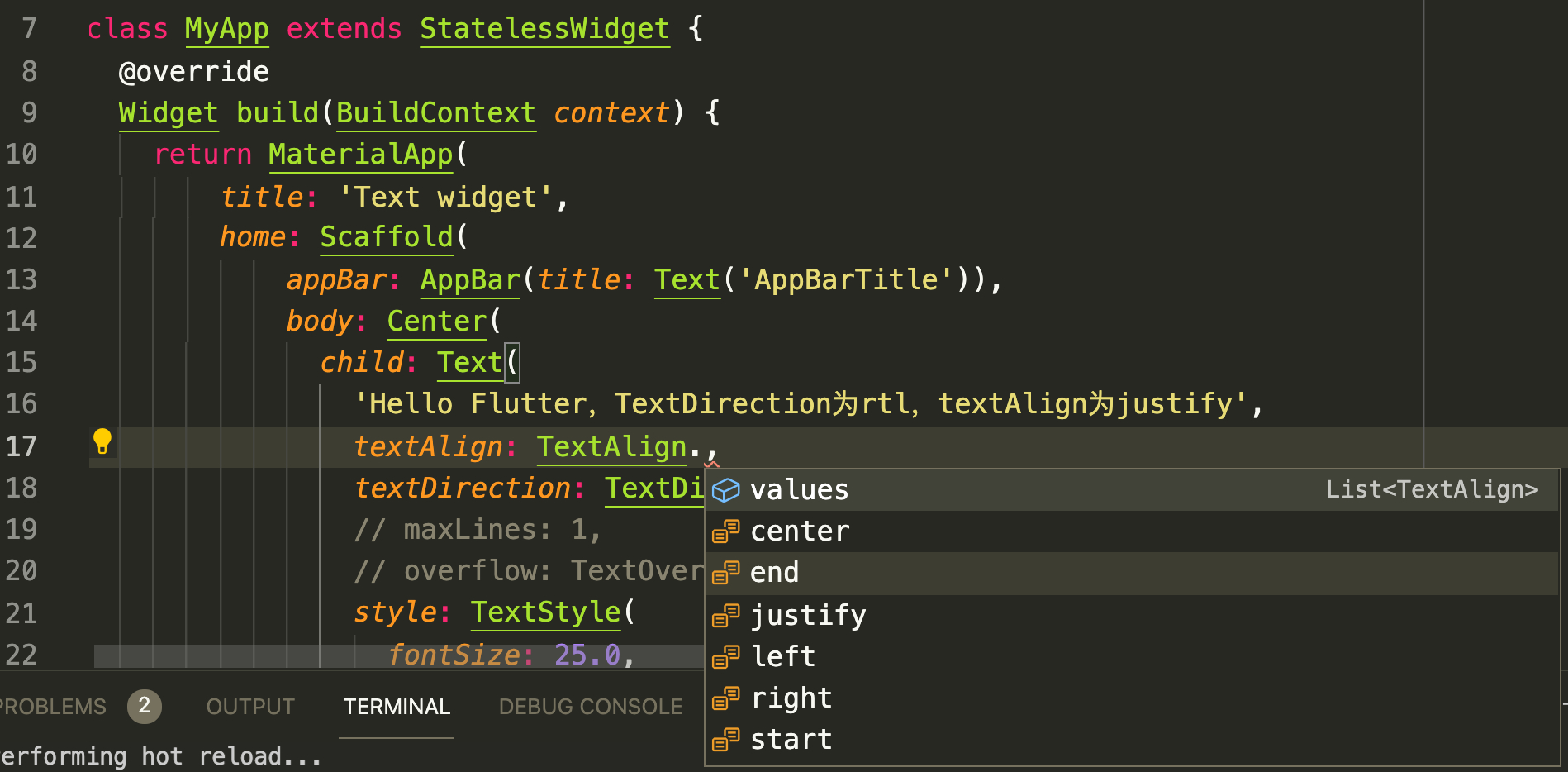
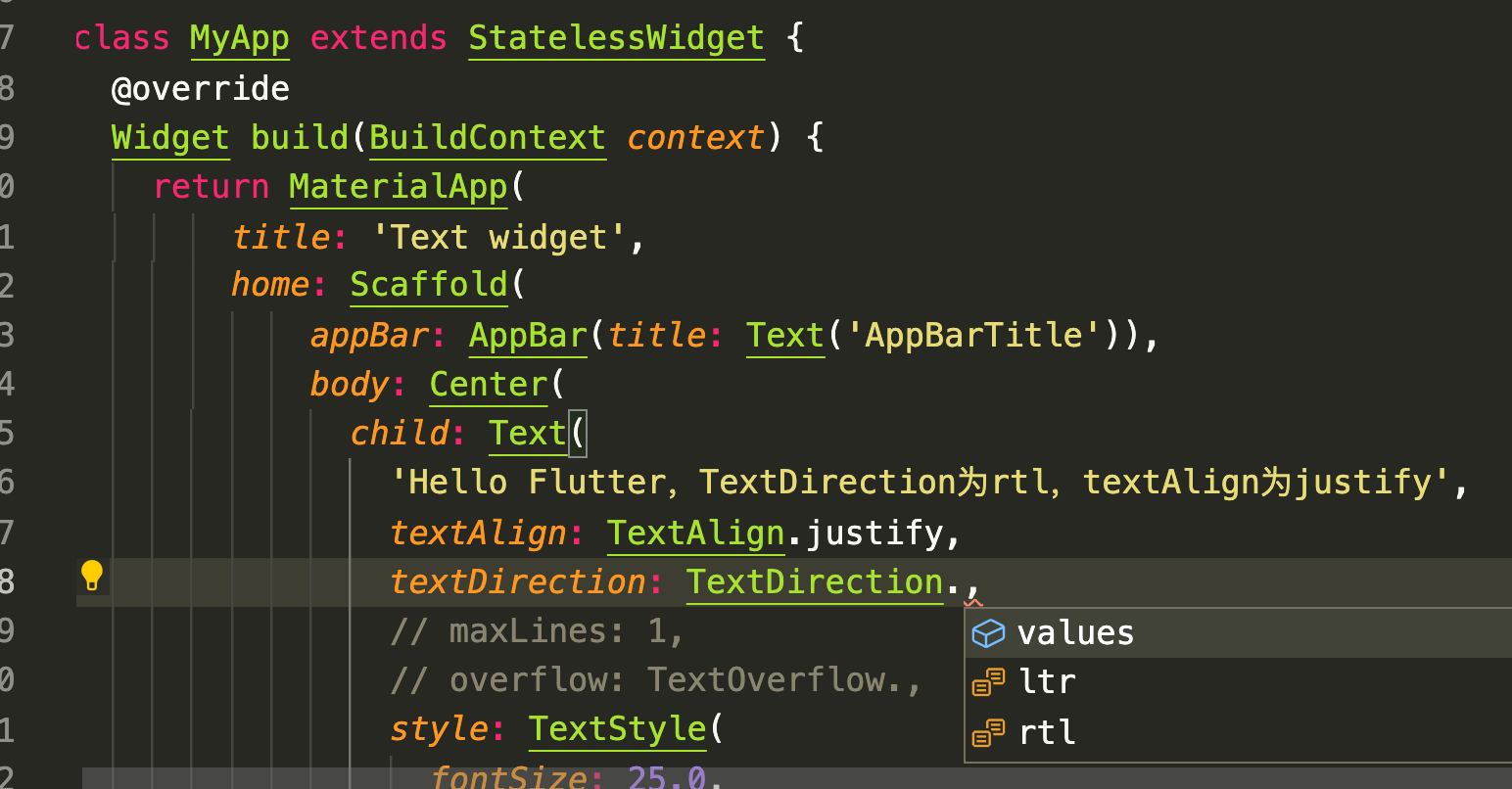
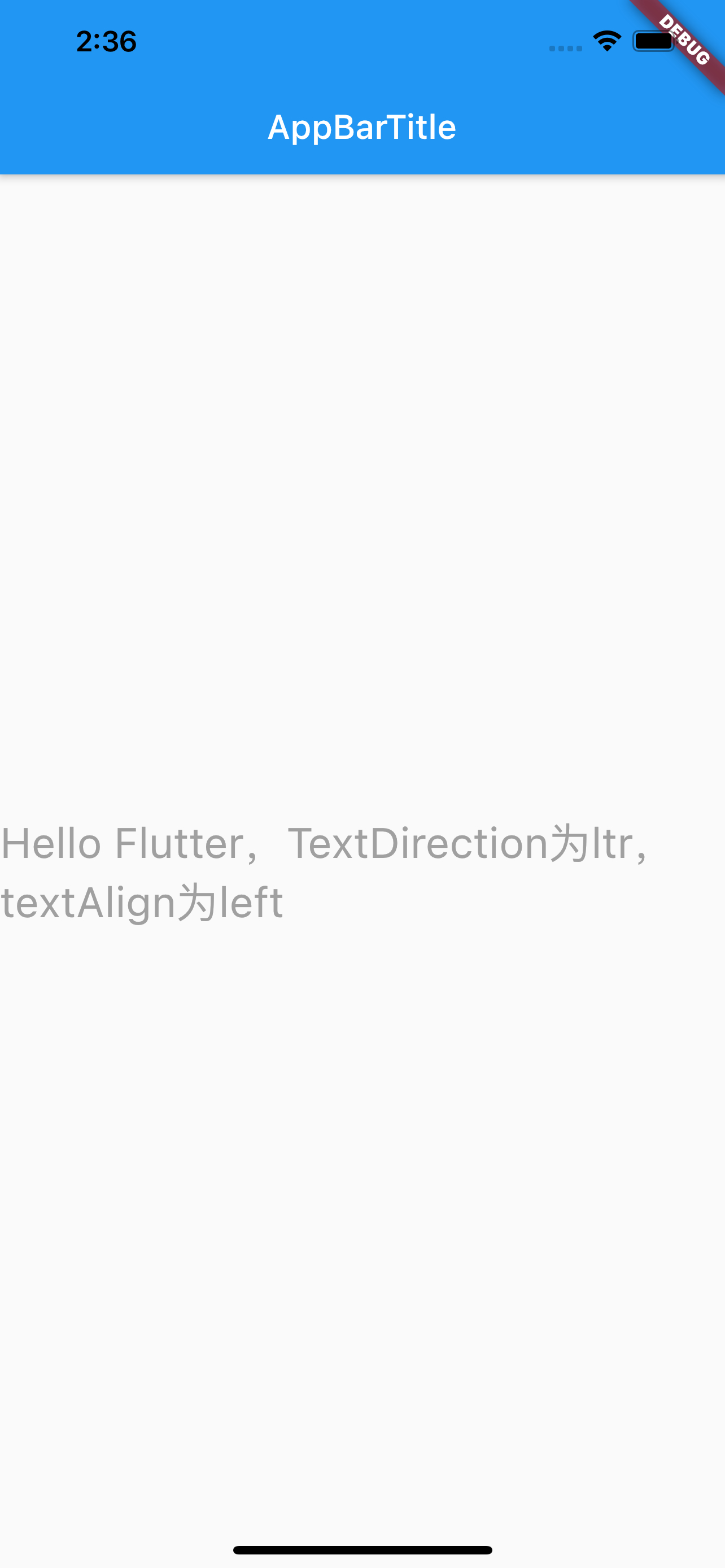
总结:TextAlign.center居中对齐,left左对齐,right右对齐,start和end的含义取决于TextDirection,当TextDirection为ltr即(left-to-right)时,start和end的含义同left和right一致。当TextDirection为rtl即(right-to-left)时,start和end的含义和left、right相反。justify不生硬的换行(好吧,我翻译不了,看下图吧)

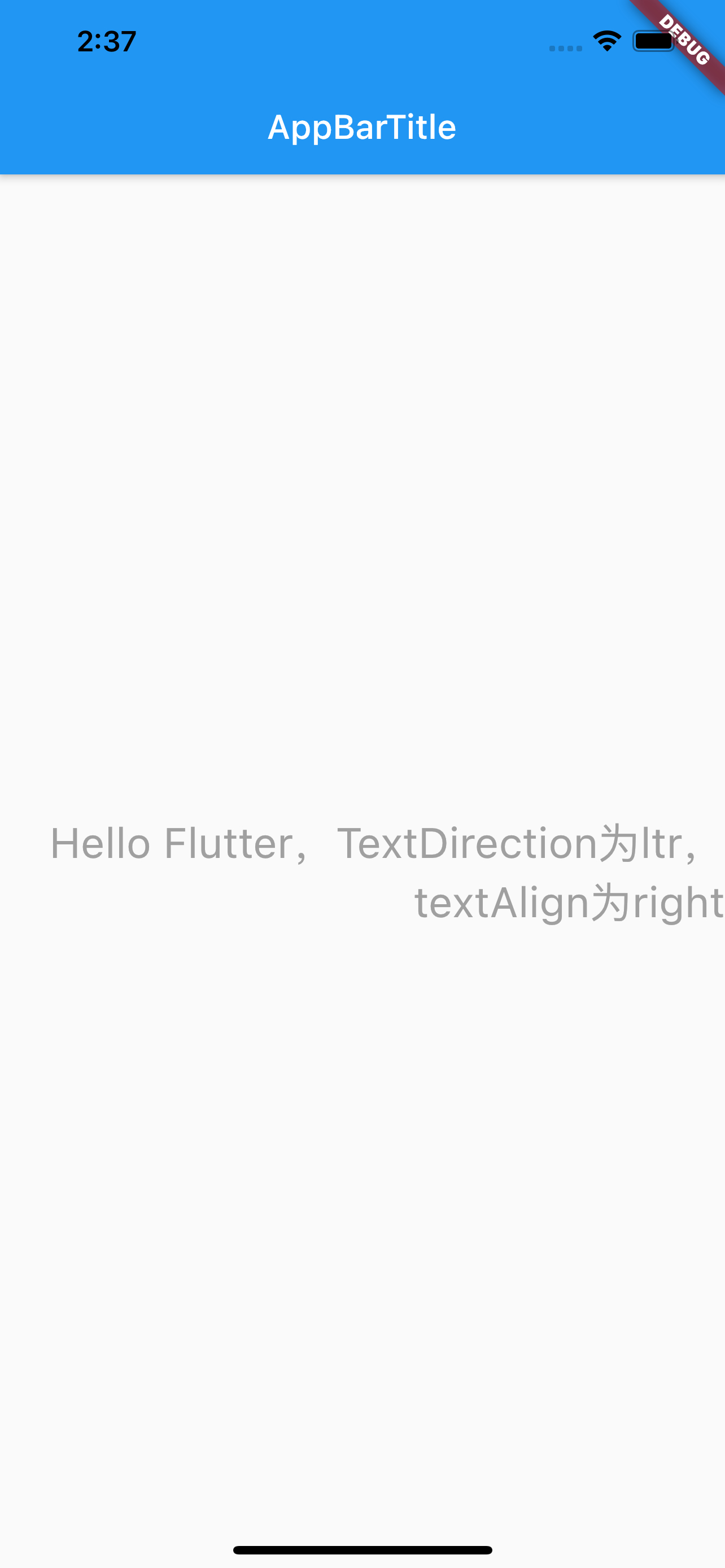
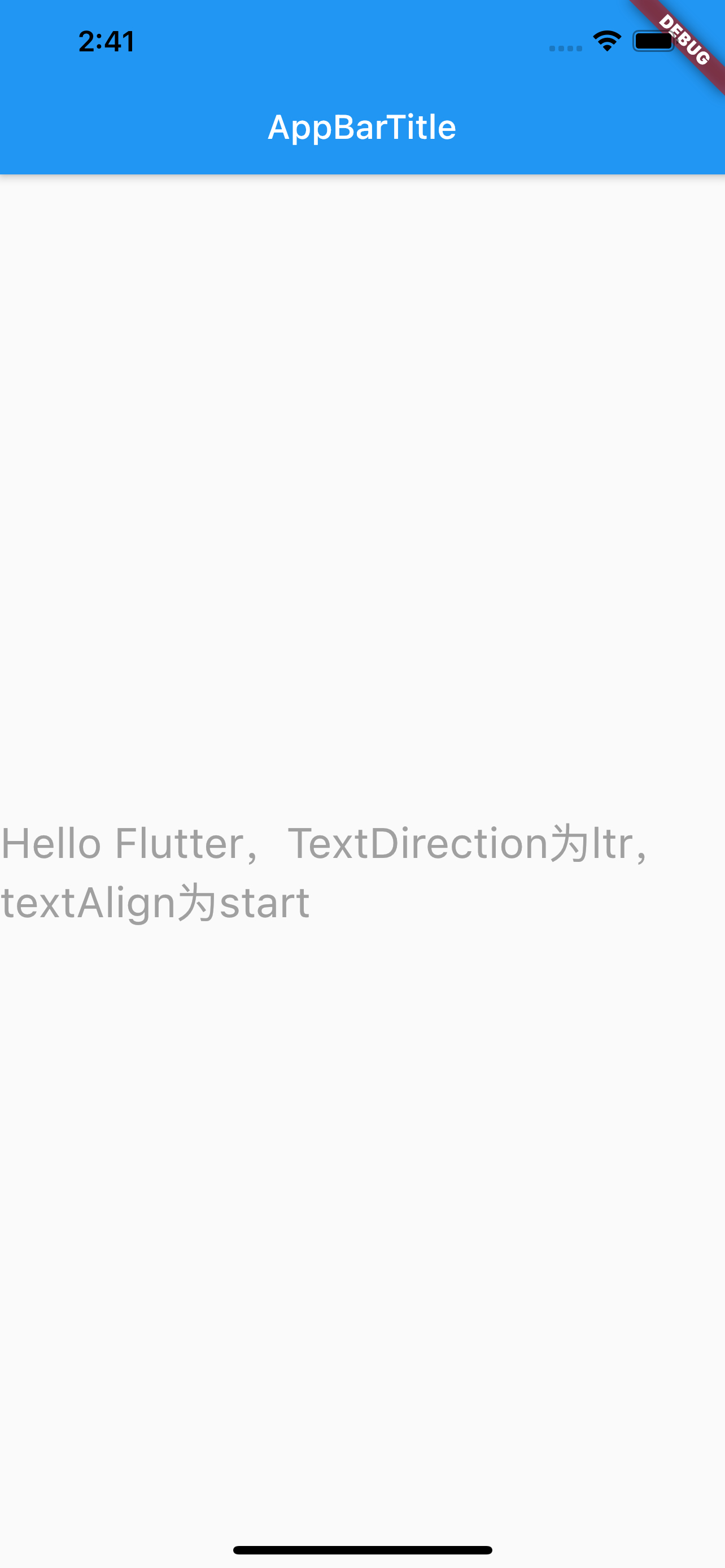
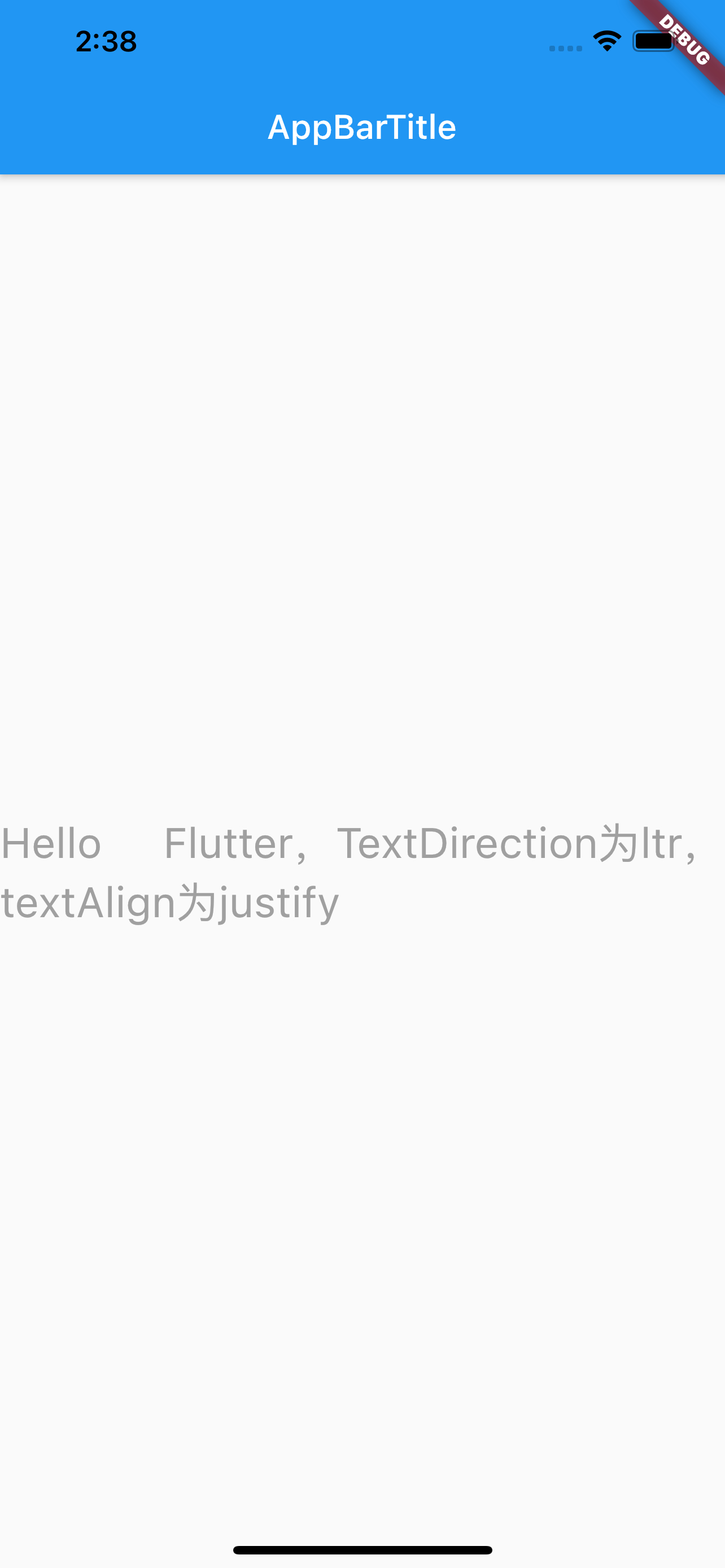
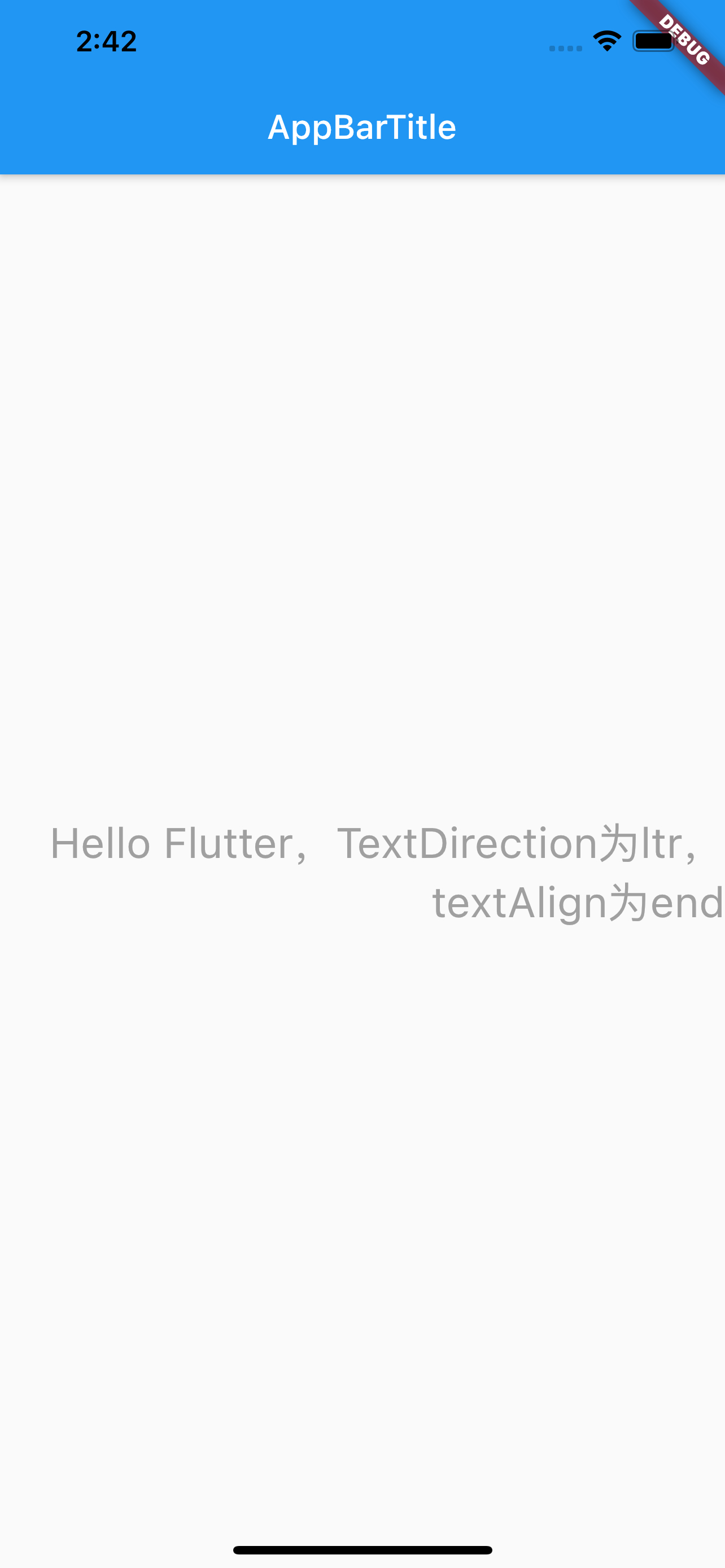
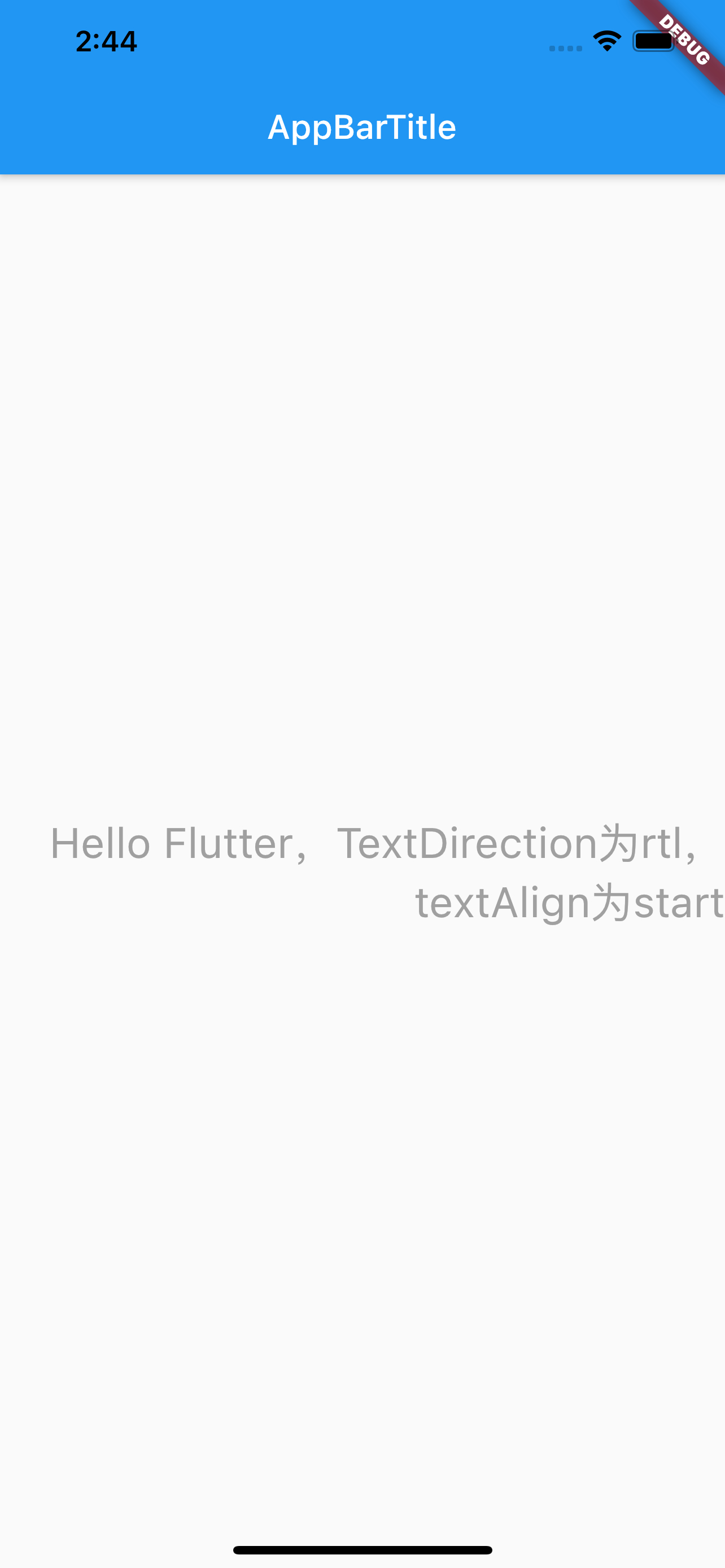
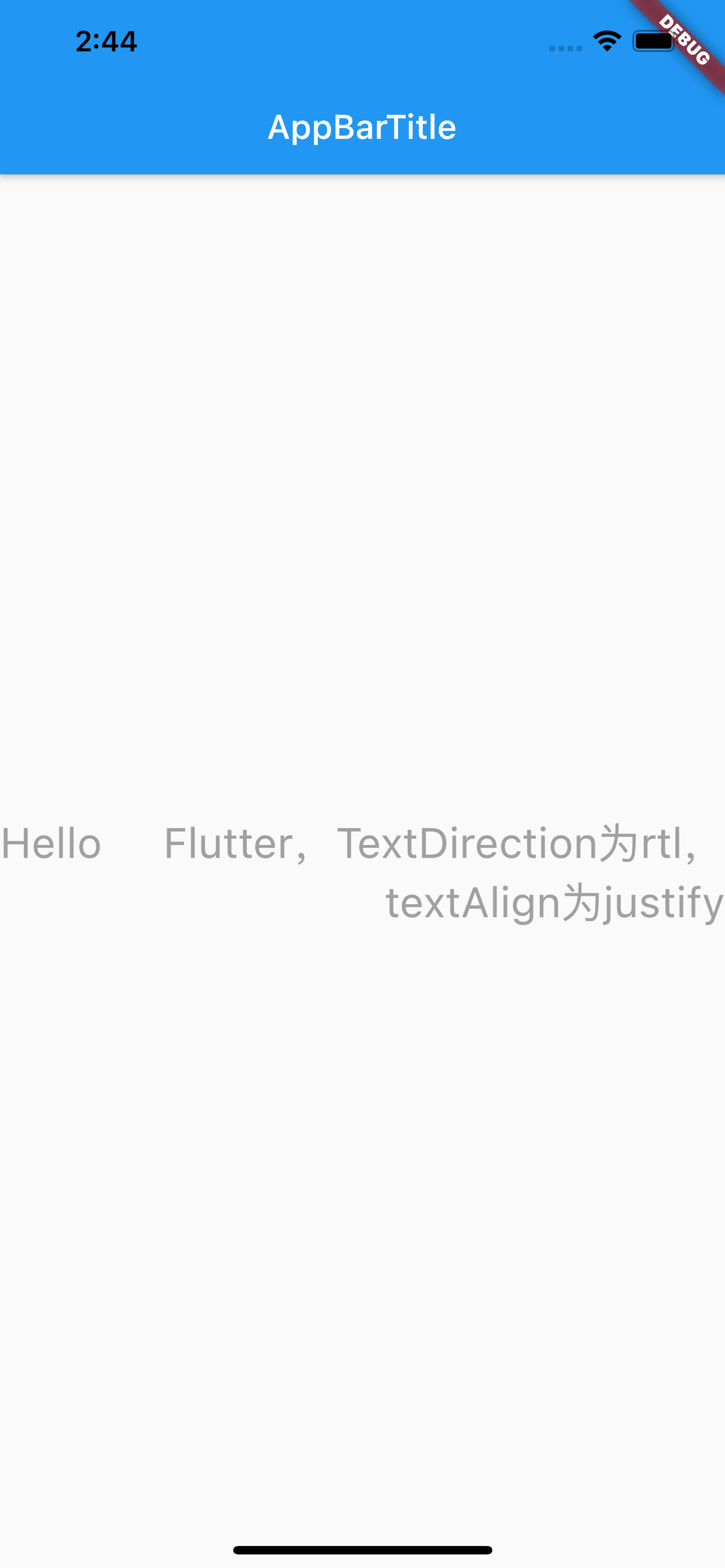
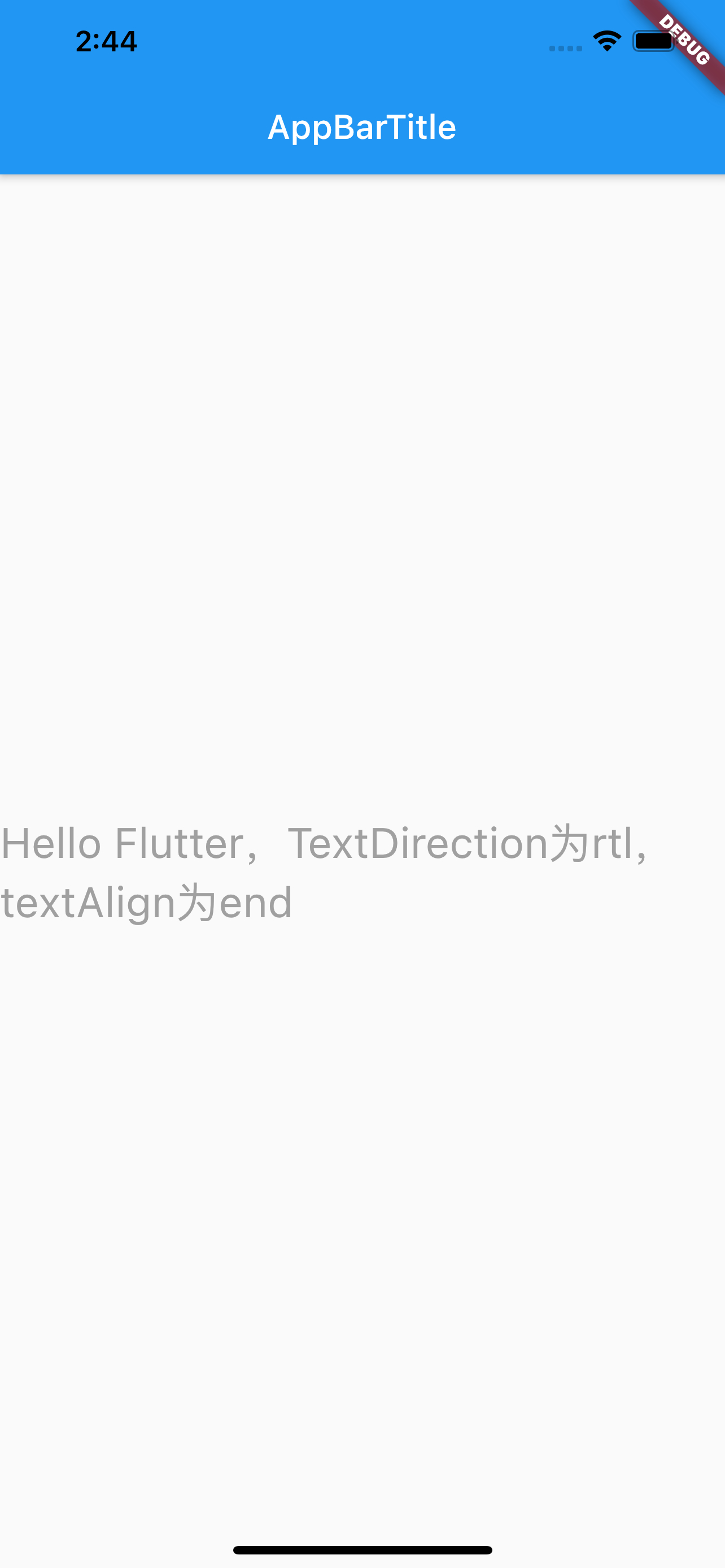
1 |
|
文本排列方向textDirection
textDirection类似于H5中的’row-reverse’的概念,影响的是textAlign中的start、end和justify属性。
最大行数maxLines
注意iOS中设置label不限行数是设置numberOfLines=0,但Flutter中最大行数maxLines不能为0,如果设置不限行数,不设置这个属性即可。
超出显示overFlow
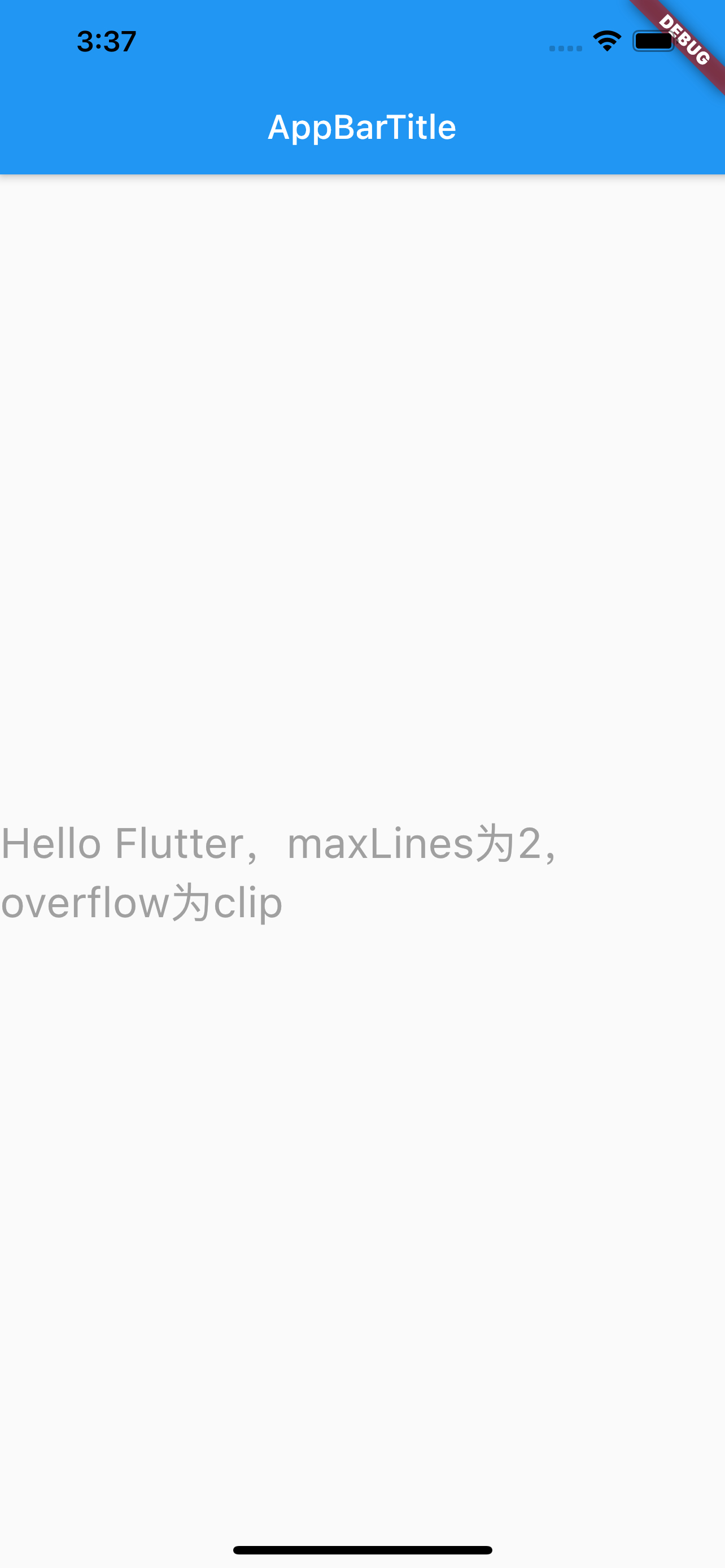
overFlow类似于iOS中的lineBreakMode,设置超出指定行数之后的显示方式:截断、省略…
需要注意的是,是超出指定行数之后的显示,所以需要先设置maxLines,如果不设置,默认是无限行,设置这个属性就没有意义。
- overFlow
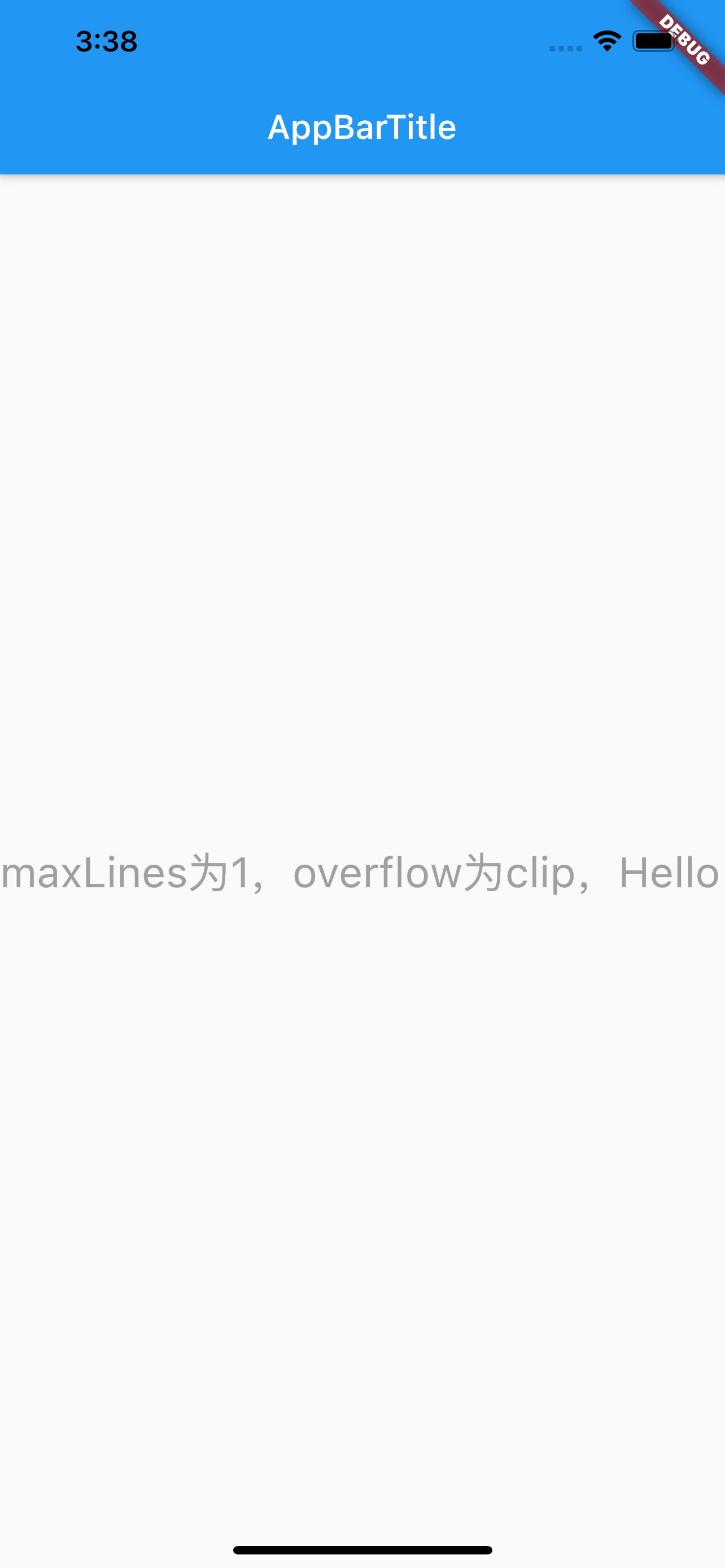
- clip:Clip the overflowing text to fix its container
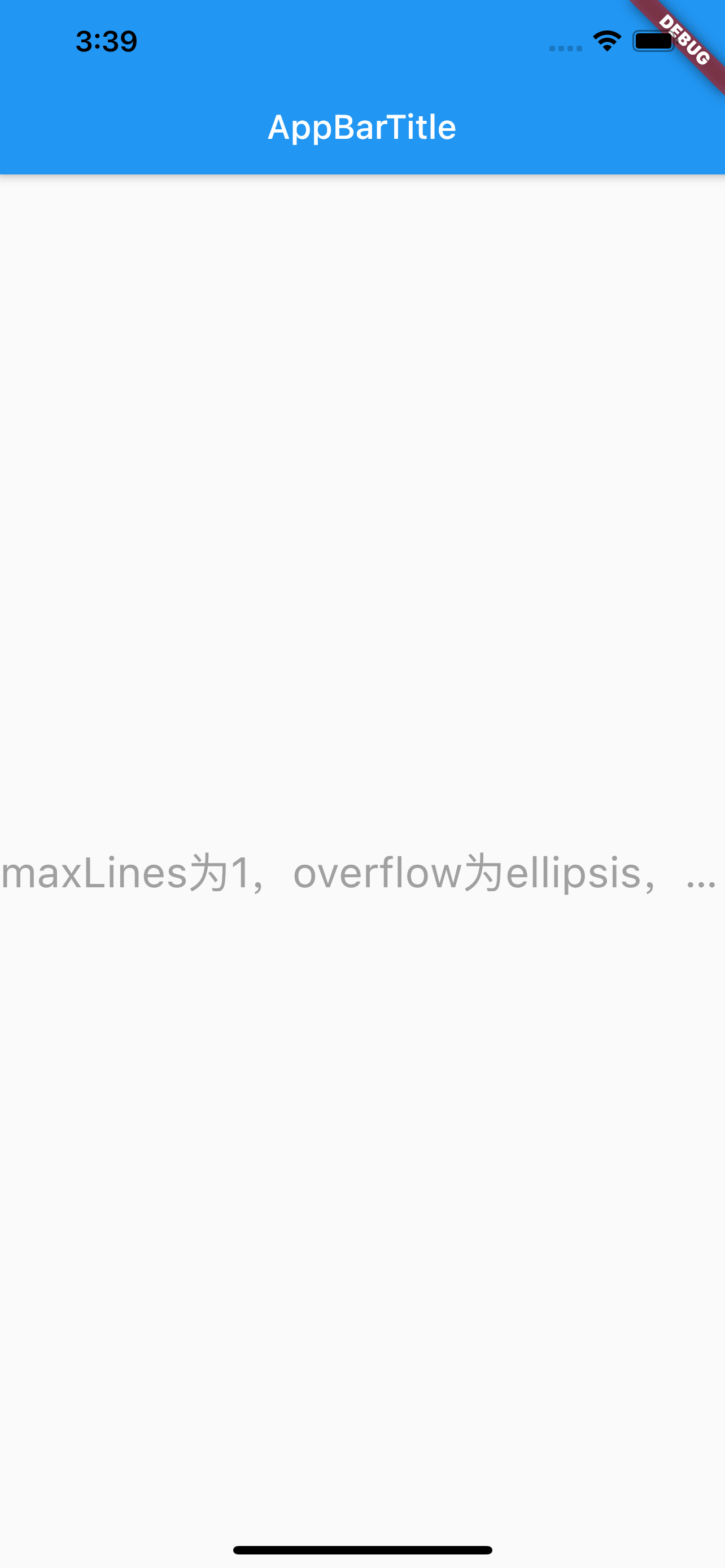
- ellipsis:Use an ellipsis to indicate that the text has overflowed
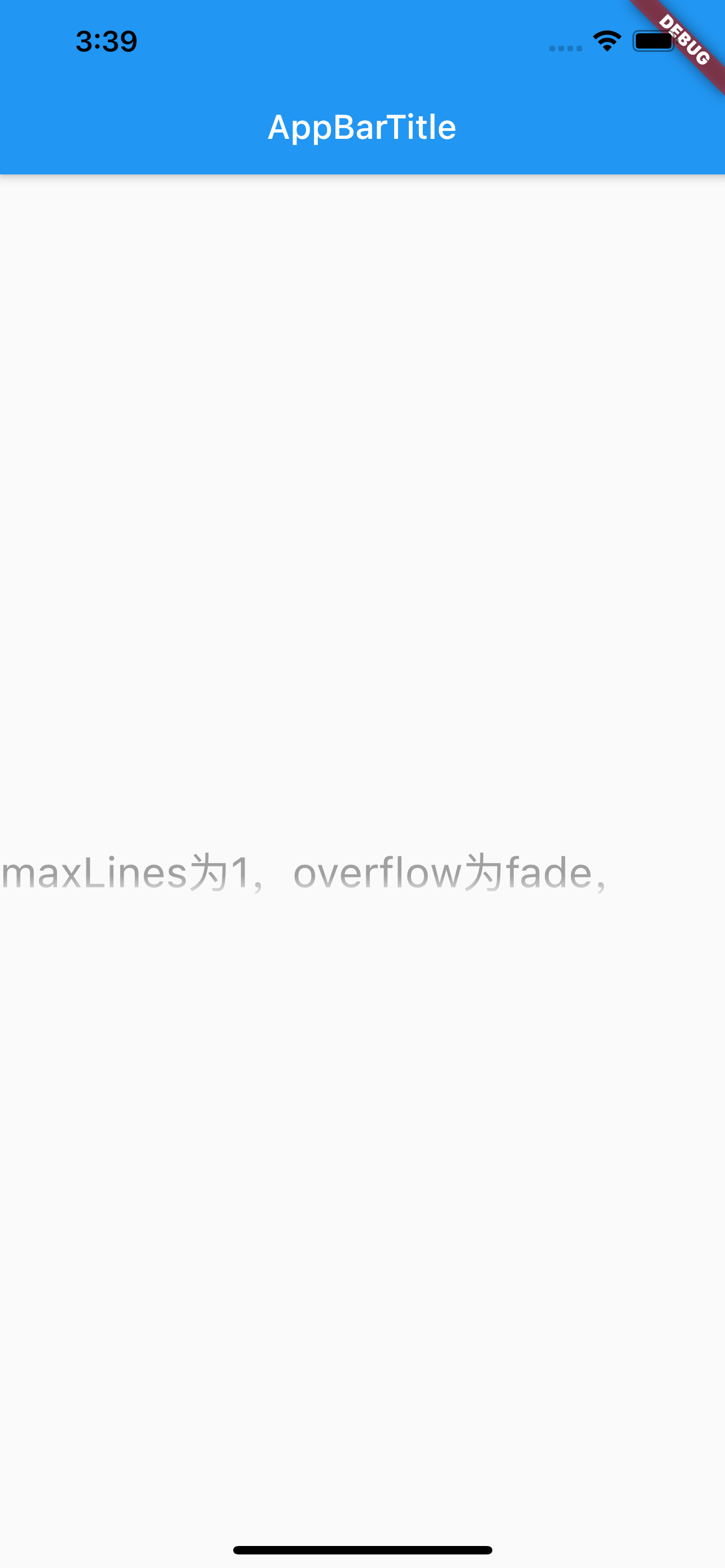
- fade:Fade the overflowing text to transparent
- visible:Render overflowing text outside of its container
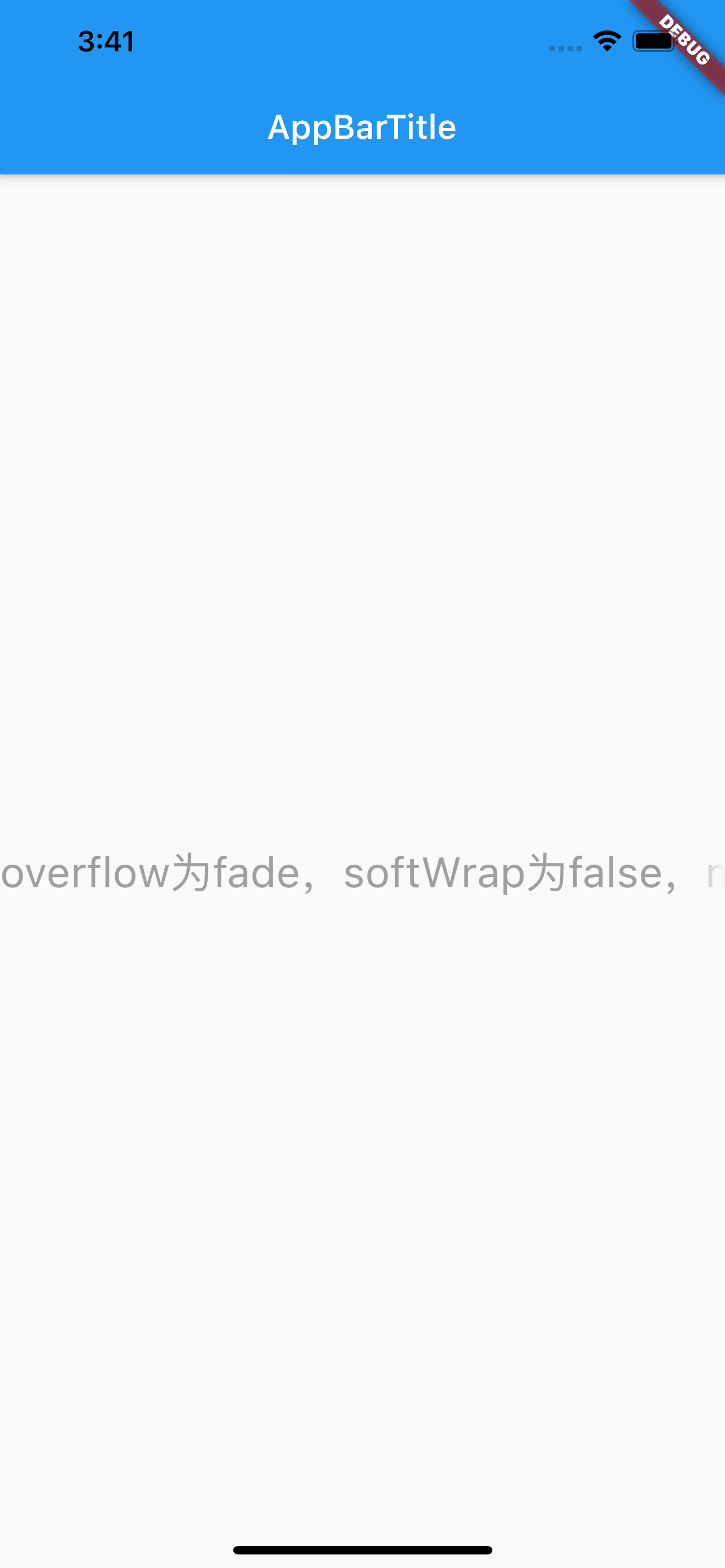
clip超出之后截断,ellipsis超出之后显示省略,fade超出之后尾部显示渐变消失,visible超出之后还渲染。见下图。
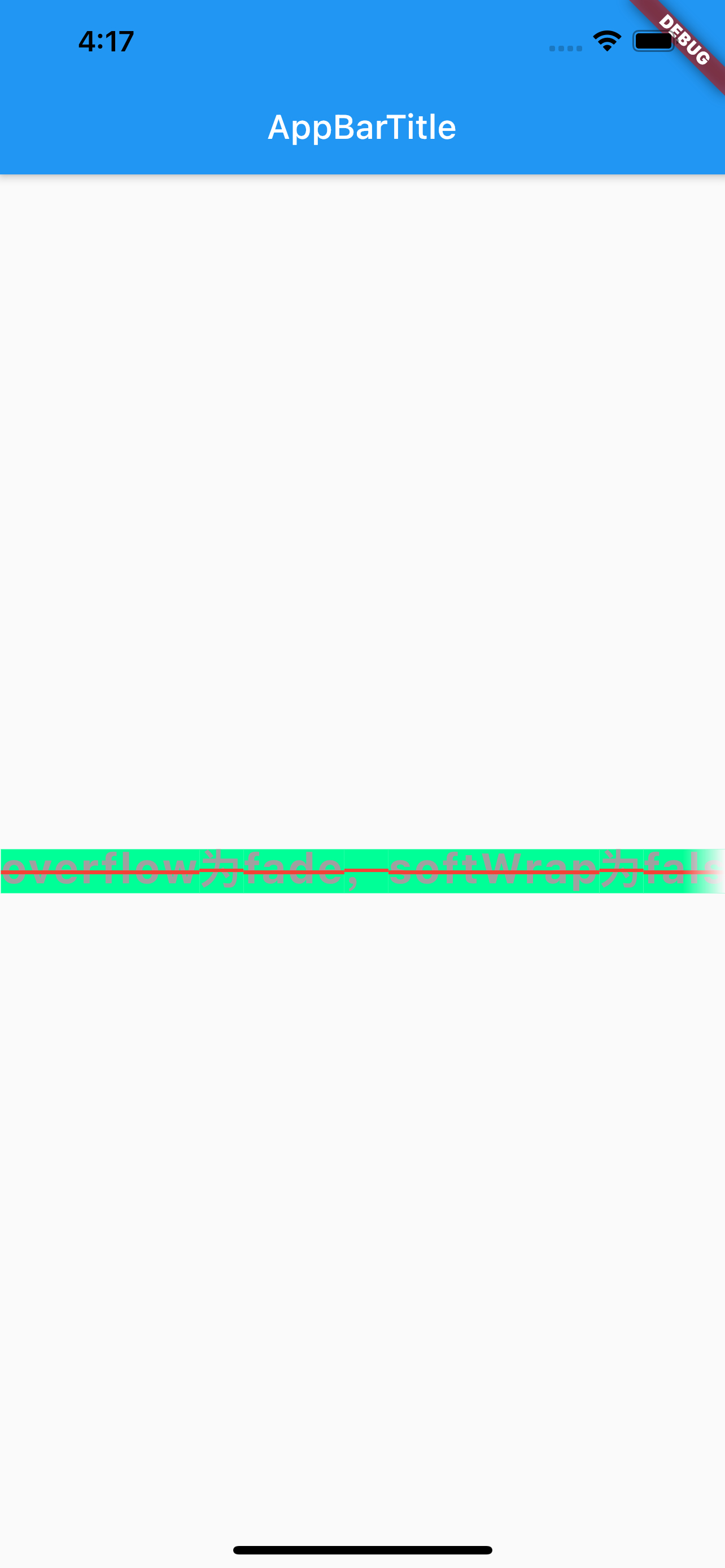
此处需要注意,overFlow为fade时,设置softWrap为false与不设置的效果,不设置时阴影效果方向为从上到下,设置了之后阴影效果为超出的尾部,见下图。

style属性
style属性,可设置背景颜色、字体大小、字体类型和颜色、下划线样式和颜色、高度、字间距等等,具体可参考Flutter TextStyle Doc文档,常用的属性如下
- TextStyle
- backgroundColor:背景颜色
- color:字体颜色
- decoration:装饰线类型
- none:无
- overline:文本顶部
- lineThrough:文本中间
- underline:文本底部
- decorationColor:装饰线颜色
- decorationStyle:装饰线样式
- fontFamily:字体
- fontSize:字体大小
- fontStyle:字体类型
- italic:斜体
- normal:正常
- fontWeight:字体粗细
- height:文本每行之间的高度,取值范围(1~2)
- letterSpacing:文本之间的间距
使用如下:
1 |
|
效果如下: