
Flutter版本的海外剧
发表于|更新于
|浏览量:
背景
前阵子抓包,有两个海外剧的接口,最近有时间,打算温习一下 Flutter,就用来写了一个简单的 APP,包含轮播图、下拉刷新、上拉加载以及播放功能。
效果如下:

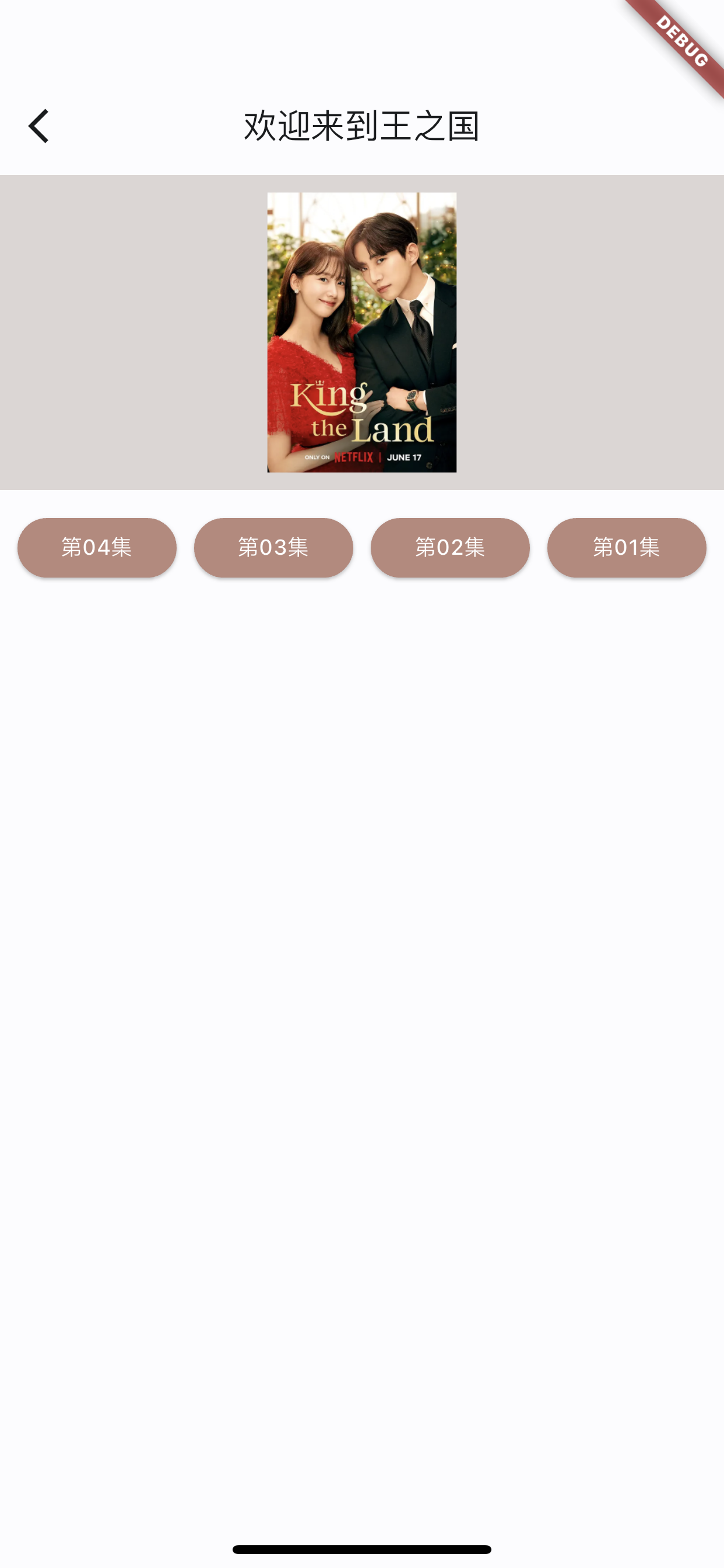
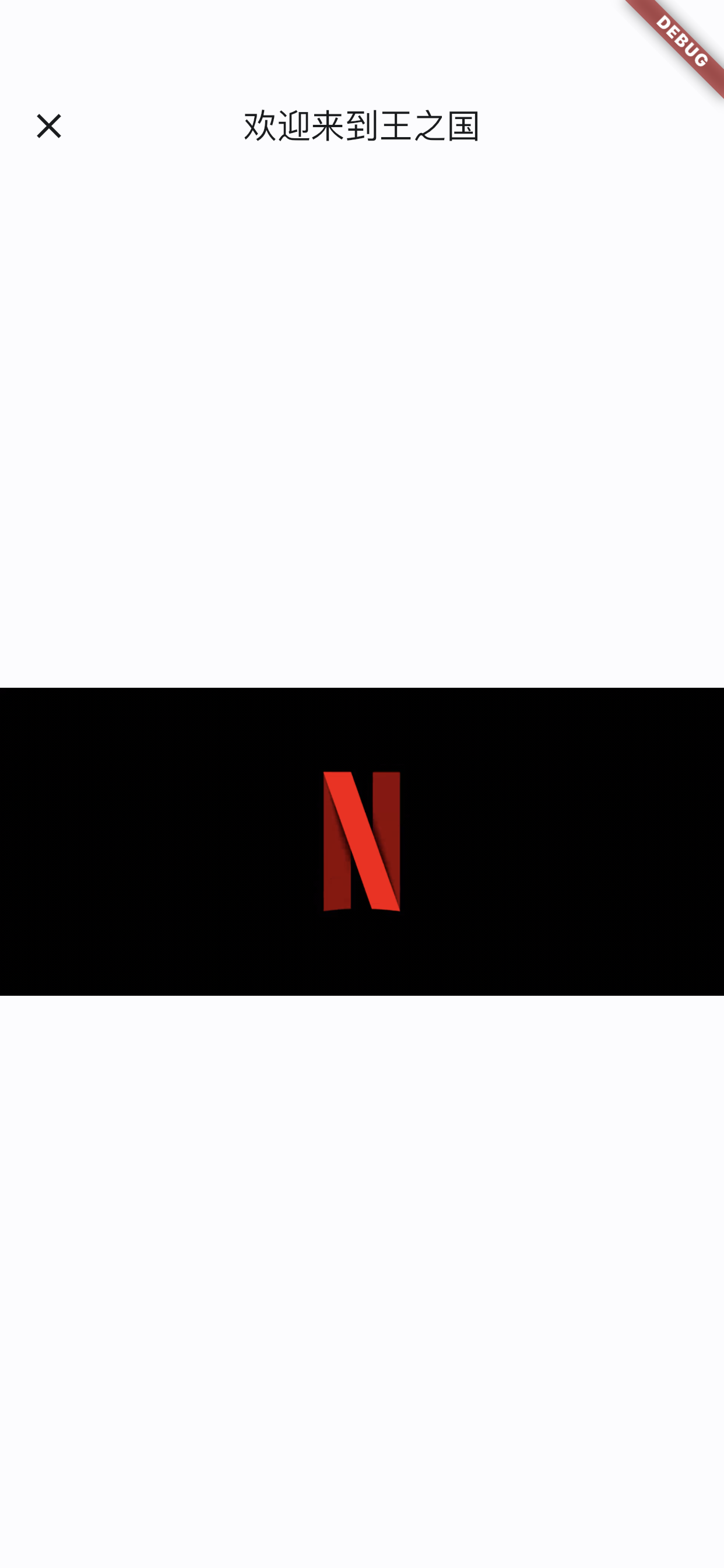
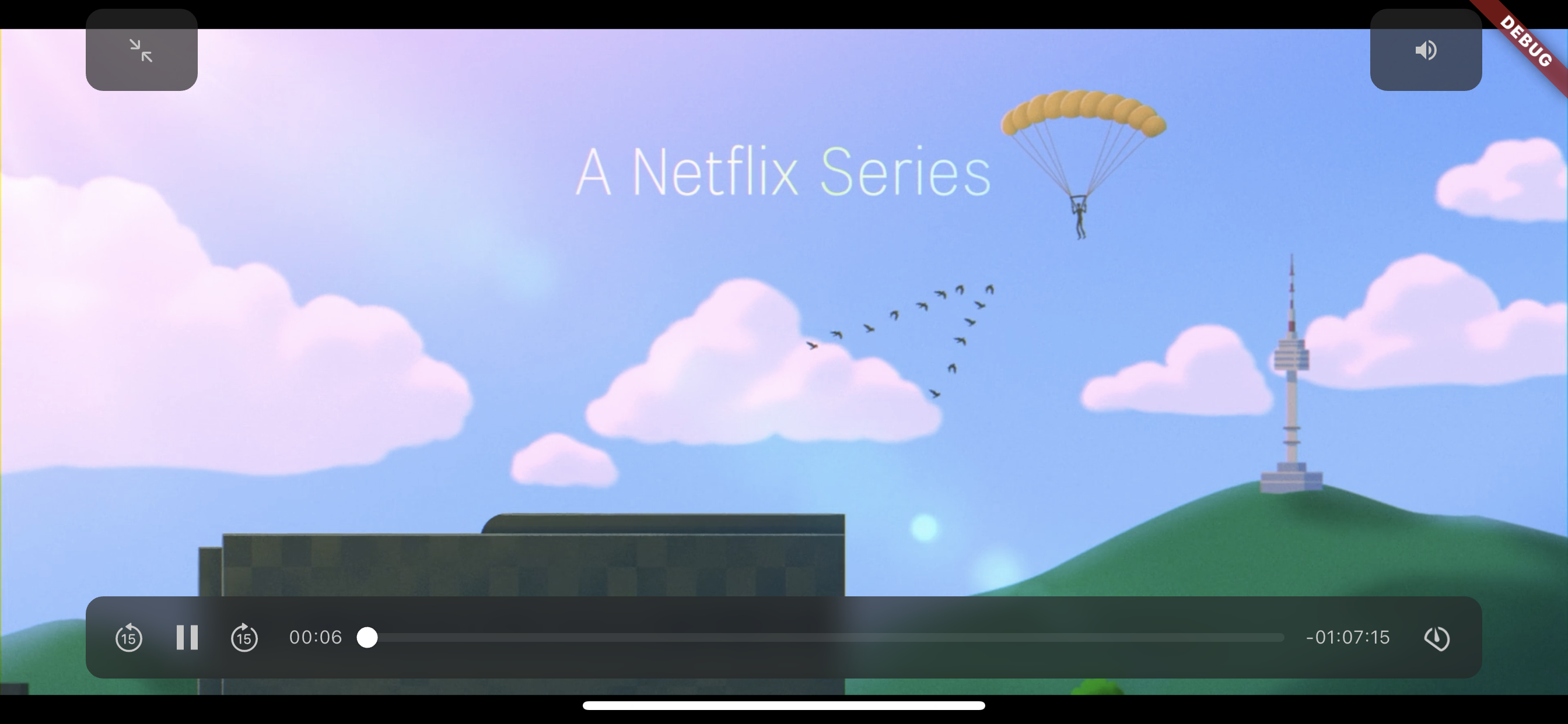
运行时需要注意 Flutter 版本的问题,可能需要修改 播放器的 package 中的代码,直接Google 搜索,修改即可,如有疑问可以联系我。
代码放在 Github 上,地址是:meiju_flutter
文章作者: 今是昨非
版权声明: 本博客所有文章除特别声明外,均采用 CC BY-NC-SA 4.0 许可协议。转载请注明来源 今是昨非的博客!
相关推荐
2022-09-23
Flutter组件——Tabbar
[Flutter组件——Tabbar]使用Tabar使用,设置indicator的样式,长短,设置tab选中和未选中的样式,根据数组创建Tabbar。 代码如下: 1234567891011121314151617181920212223242526272829303132333435363738394041424344454647484950515253545556575859606162636465666768697071727374757677import 'package:flutter/material.dart';class TabbarDemo extends StatefulWidget { TabbarDemo({Key? key}) : super(key: key); _TabbarDemoState createState() => _TabbarDemoState();}class _TabbarDemoState extends State<TabbarDemo> ...
2021-08-18
Flutter布局基础——BottomNavigationBar
Flutter布局基础——BottomNavigationBar背景Flutter中BottomNavigationBar类似于 iOS 中的UITabbarController,是导航控制器的一种,常用于首页 Tab 切换。 BottomNavigationBar的 type 属性,默认值会根据items的个数而定;当items个数小于4个时,默认值为BottomNavigationBarType.fixed;当items个数大于等于4个,默认值为BottomNavigationBarType.shifting。 两种效果对比如下:左侧为BottomNavigationBarType.fixed,右侧为BottomNavigationBarType.shifting 常用属性如下: backgroundColor: 背景色 currentIndex: 当前选中哪一个 fixedColor: 选中 Item 的颜色 iconSize: 图片大小 items: 子元素 onTap: 点击事件 selectedFontSize: 选中字体大小 select...
2021-07-16
Flutter环境安装 && 运行
Flutter环境安装 && 运行背景Flutter环境配置到运行,问题备忘记录。比如遇到Android sdkmanager tool not found和Running Gradle task 'assembleDebug'... Flutter安装超级精简版通过homebrew直接安装,可能需要外网 brew install flutter 手动,Flutter环境搭建 首先下载Flutter安装包,下载地址:https://flutter.dev/docs/development/tools/sdk/releases?tab=macos 其次,解压已下载文件,把文件放入指定目录中,注意:建议放入可以放入用户根目录下,因为后续需要指定bin文件地址,这个目录最好不会经常变动 然后,配置环境变量 打开terminal,如果是zsh,输入open .zshrc;(如果是bash,则输入open .baseprofile)在文件末尾添加如下代码,其中pwd为刚刚解压的flutter/bin文件地址, 1export PATH=&quo...
2021-07-22
Flutter组件基础——Image
Flutter组件基础——ImageImage是Flutter中的图片组件,类似于iOS中的UIImageView,可加载资源图片、网络图片、本地图片等,可设置拉伸方式,重复模式等。 Image加载方法Image的加载方法有以下几种: Image.asset,加载本地图片,比如打包到项目中的图片 Image.file,加载设备中的图片,比如存储到本地的图片 Image.memory,加载内存中的图片 Image.network,加载网络图片 使用方式各有不同,如下: Image.asset(name)是Image(image: AssetImage(name)) Image.file(path)是Image(image: FileImage(File(path))) Image.network(url)是Image(image: NetworkImage(url)) Image.memory(list)是Image(image: MemoryImage(list)) 而且: 使用asset images时,图片打包在apk或ipa中,会导致包变大加载时间对比:Net...
2021-07-30
Flutter布局基础——页面导航和返回
Flutter布局基础——页面导航和传值说到导航,最常见就是类似于iOS中导航控制器的push和pop效果,同样Flutter中也有类似的效果,使用的就是Navigator组件。 下面,来看一下在Flutter中,导航效果Navigator.push和Navigator.pop的使用。 简单使用代码如下: 12345678910111213141516171819202122232425262728293031323334353637383940414243444546474849class MyApp extends StatelessWidget { @override Widget build(BuildContext context) { return MaterialApp( title: '导航演示1', home: new FirstScreen(), ); }}class FirstScreen extends StatelessWidget { @o...
2021-07-19
Flutter组件基础——Text
Flutter组件基础——Text组件文本组件:Text WidgetText是文本组件,类似于iOS中UILabel,用于文本的展示,是布局的基础控件之一。 文本对齐方式:TextAlign TextAlign center:Align the text in the center of the cotainer left:Align the text on the left edge of the container right:Align the text on the right edge of the container start:Align the text on the leading edge of the container. For left-to-right text(TextDirection.ltr), this is the left edge. For the right-to-left text(TextDirection.rtl), this is the right edge. end:Align the text on the trai...
公告
This is my Blog